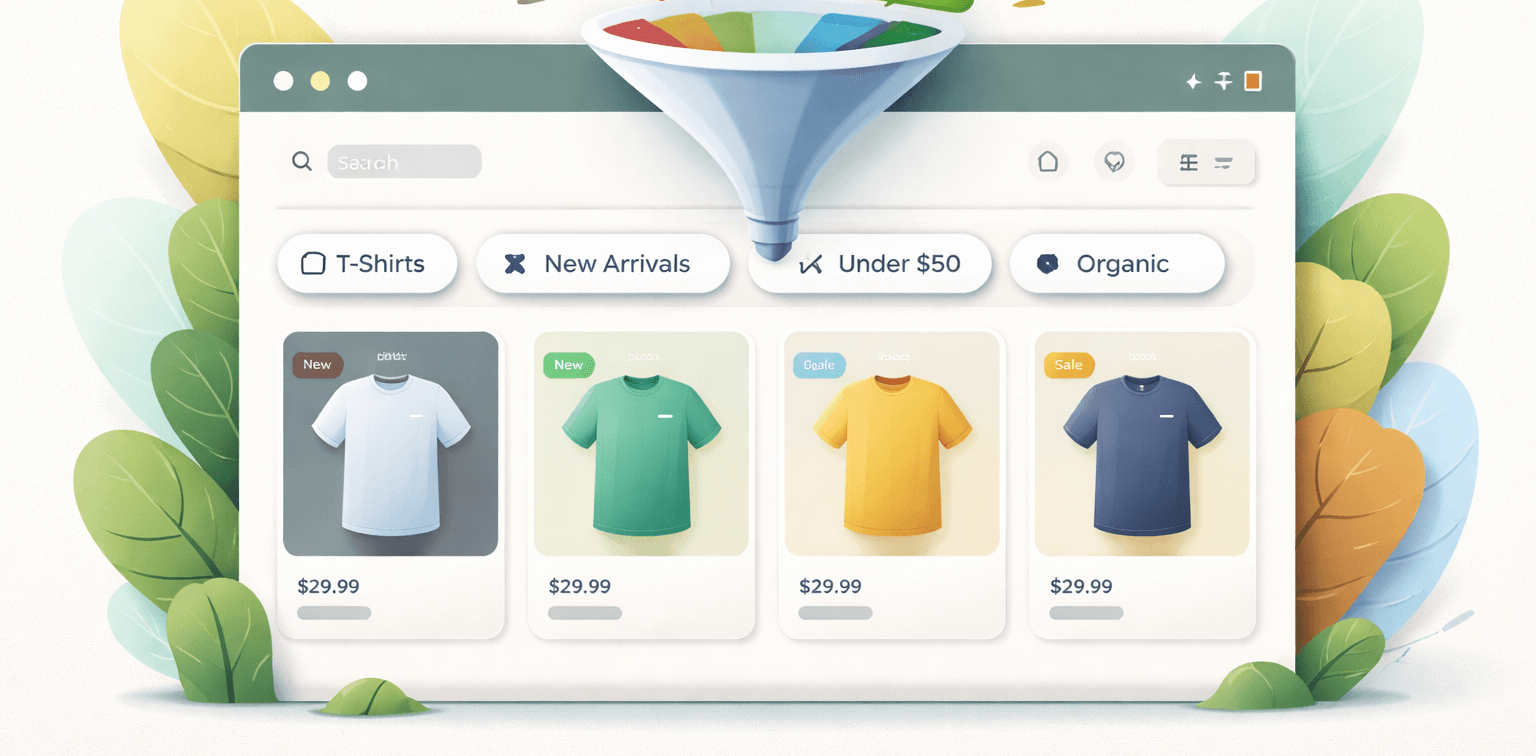
Shopify Tag Filtering in Dawn Theme (How It Works & Common Issues)
6 min readPublished: 2026-02-01Updated: 2026-02-01
Shopify’s Dawn theme includes built-in filtering for collections, but many store owners and developers quickly run into limitations. Issues like strict AND logic, unexpected empty results, or poor filtering UX are common—especially for stores with complex product tagging.
This page explains how tag filtering works in the Dawn theme, why common problems occur, and when a custom solution is the right approach. Whether you’re a store owner or developer, understanding these details can help improve product discovery and customer experience.
What Shopify tag filtering is
Shopify tag filtering allows products within a collection to be filtered based on product tags. Tags are simple text labels assigned to products, often used for attributes like size, color, material, or use case.
In Shopify, tag filtering works by appending tag-based parameters to collection URLs. While this system is lightweight and fast, it was originally designed for simple use cases—not complex multi-attribute filtering.
Exaple url:
/collections/shop-cases?filter.p.tag=l_11&filter.v.price.gte=&filter.v.price.lte=&sort_by=manual
Here, the 'l_11' tag is being used to filter products within the 'shop-cases' collection. The filter parameters specify which tags to include in the results. These tags correspond to product attributes defined by the store owner. When a user selects a tag filter, Shopify updates the collection page to show only products that have that specific tag assigned. This allows customers to narrow down product listings based on their preferences. That creates the foundation for tag-based filtering in Shopify collections.
How the Dawn theme handles filters by default
The Dawn theme uses Shopify’s native filtering system, powered by Online Store 2.0 facets. These filters are rendered using Liquid and updated via AJAX when users interact with them.
By default, Dawn applies filters using an AND logic. This means when multiple tags are selected, Shopify returns only products that contain all selected tags. For small catalogs this may work, but for many real-world stores it quickly becomes restrictive. For example, if a user selects both 'Red' and 'Large' tags, only products tagged with both attributes will appear—often resulting in zero matches. This can frustrate customers who expect to see products that match either attribute.
Additionally, Dawn’s filter UI is basic and may not scale well for stores with many attributes or complex filtering needs. The default behavior lacks options for grouping tags, customizing labels, or implementing OR logic within filter groups. These limitations can lead to poor user experience and reduced product discoverability.
Common problems with Shopify tag filtering
Strict AND logic
Selecting multiple tags often returns zero results because products rarely share every selected tag. Store owners expect OR behavior, but Shopify does not support this natively.
Duplicate or confusing results
When developers attempt workarounds, products can appear multiple times or filter counts become inaccurate.
Poor UX for complex catalogs
Tag-based filters do not scale well for stores with many attributes, leading to cluttered filter panels and confusing customer journeys.
Limited customization
Out-of-the-box Dawn filters offer limited control over grouping, labeling, and logical relationships between tags.
Practical solution approach (conceptual)
Solving filtering limitations usually starts with understanding the desired user behavior. In many cases, customers expect OR logic within a filter group (for example, multiple sizes) and AND logic between groups (size + color).
A common approach is to fetch results for individual tags separately and merge them on the front end. This allows more flexible logic while still using Shopify’s collection endpoints and maintaining fast performance.
The key is to keep the solution app-free, predictable, and aligned with Dawn’s section-based rendering—so it remains upgrade-safe. This often involves custom JavaScript to handle filter state, AJAX requests to fetch products, and Liquid adjustments to support dynamic rendering based on selected filters. The end result is a more intuitive filtering experience that meets customer expectations without sacrificing speed or maintainability.
When custom code is needed
If your store relies heavily on filtering for navigation or conversion, custom code becomes necessary. This is especially true when default Dawn behavior blocks product discovery or creates empty states.
A Shopify developer can implement custom filtering logic using Liquid, JavaScript, and AJAX—without replacing the theme or introducing heavy third-party apps. The result is a faster, clearer filtering experience that matches how customers actually browse products. Custom solutions also allow for better UX design, such as grouped filters, clear labels, and responsive behavior across devices.
In summary, while Shopify’s native tag filtering provides a starting point, many stores benefit from tailored solutions that address real-world needs. A skilled Shopify developer can help design and implement these improvements—ensuring your store remains fast, user-friendly, and scalable as your catalog grows.
Related resources & next steps
If you’re dealing with advanced filtering requirements, it’s often a sign that your store has outgrown default theme behavior.
If your store needs advanced filtering logic beyond default Shopify behavior, a Shopify developer can implement a clean, upgrade-safe solution tailored to your catalog structure. This ensures customers can easily find products without frustration or confusion.
For more details on how I approach these challenges, visit the Hire Shopify Developer page to see services, process, and what to send to get started.